v0.8.16 · BETA · Amiga Vampire A6000

A fantasy console
built for real hardware.

FRED-80 runs on the Apollo A6000 — a real Amiga with a 68080 CPU and SAGA chipset. Write games in Lua. Draw sprites in the built-in editor. Ship a single binary. Also runs standalone on macOS — Windows coming soon.

640 × 480 256 colours 128 sprites 4 audio channels Lua 5.4
-- soldiers.lua
function _init()
  map(0, 0, 0)
  units = {}
  for i = 1, 20 do
    units[i] = {
      x = rnd(600),
      y = rnd(440),
      s = rnd(8)
    }
  end
end

function _draw()
  cls()
  for _, u in ipairs(units) do
    spr(u.s, u.x, u.y)
  end
end
fps: 60 FRED-80 v0.8.16
Editor — running on macOS & Apollo A6000
HOME CODE SPRITE MAP TOMMY
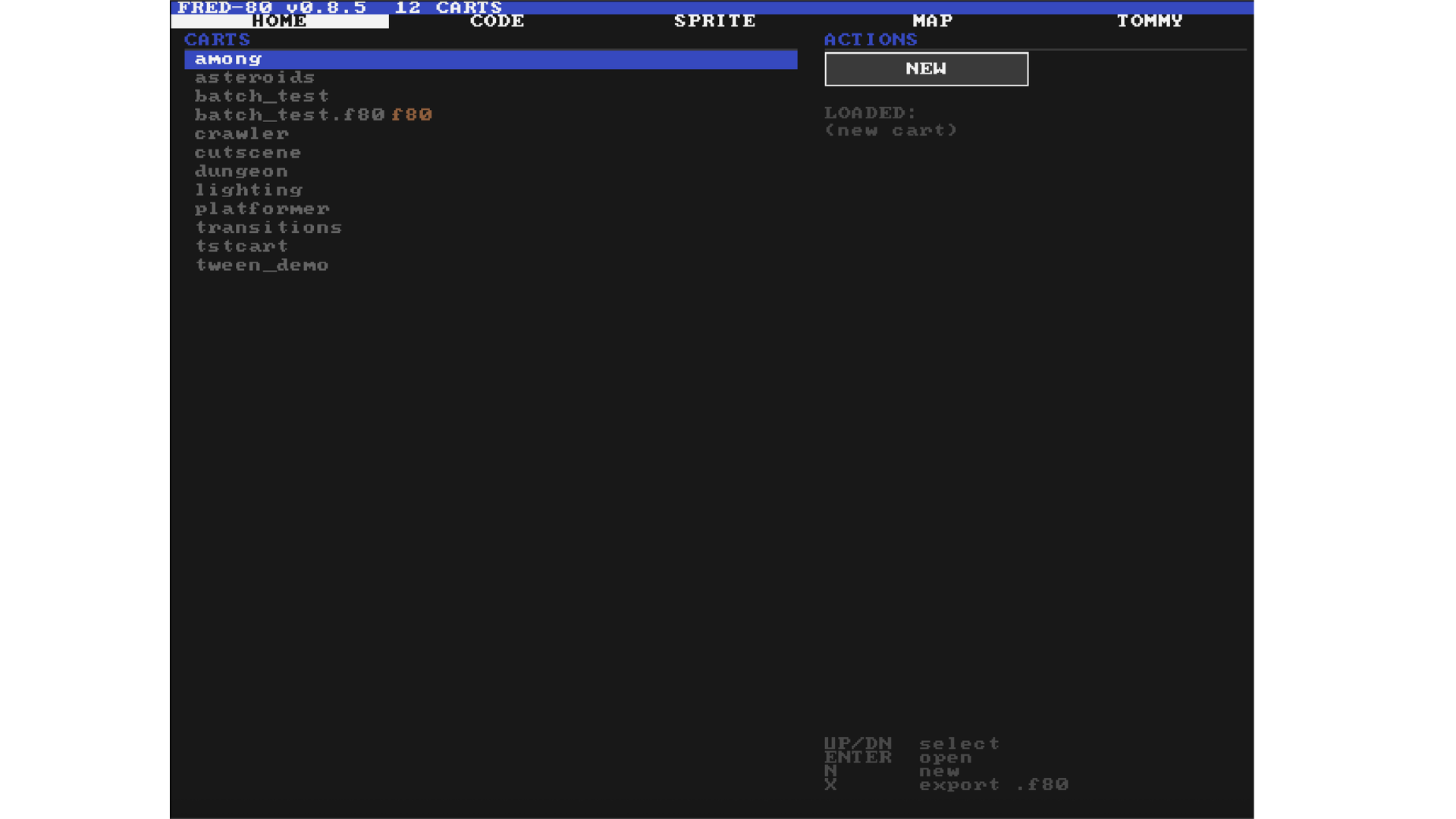
FRED-80 home screen
Cart browser — select, load, and create carts
HOME CODE SPRITE MAP TOMMY
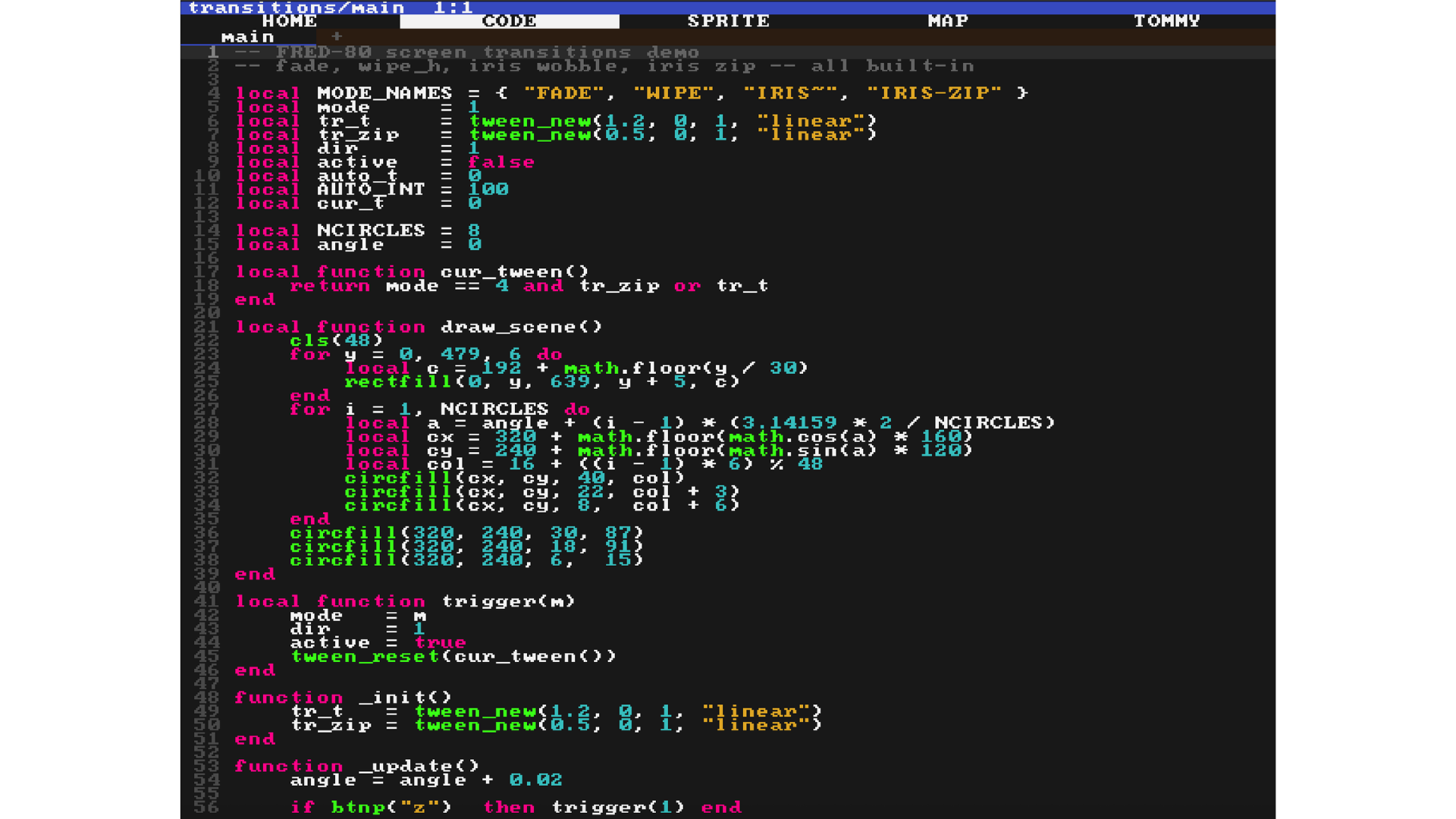
FRED-80 code editor
Lua code editor with syntax highlighting
HOME CODE SPRITE MAP TOMMY
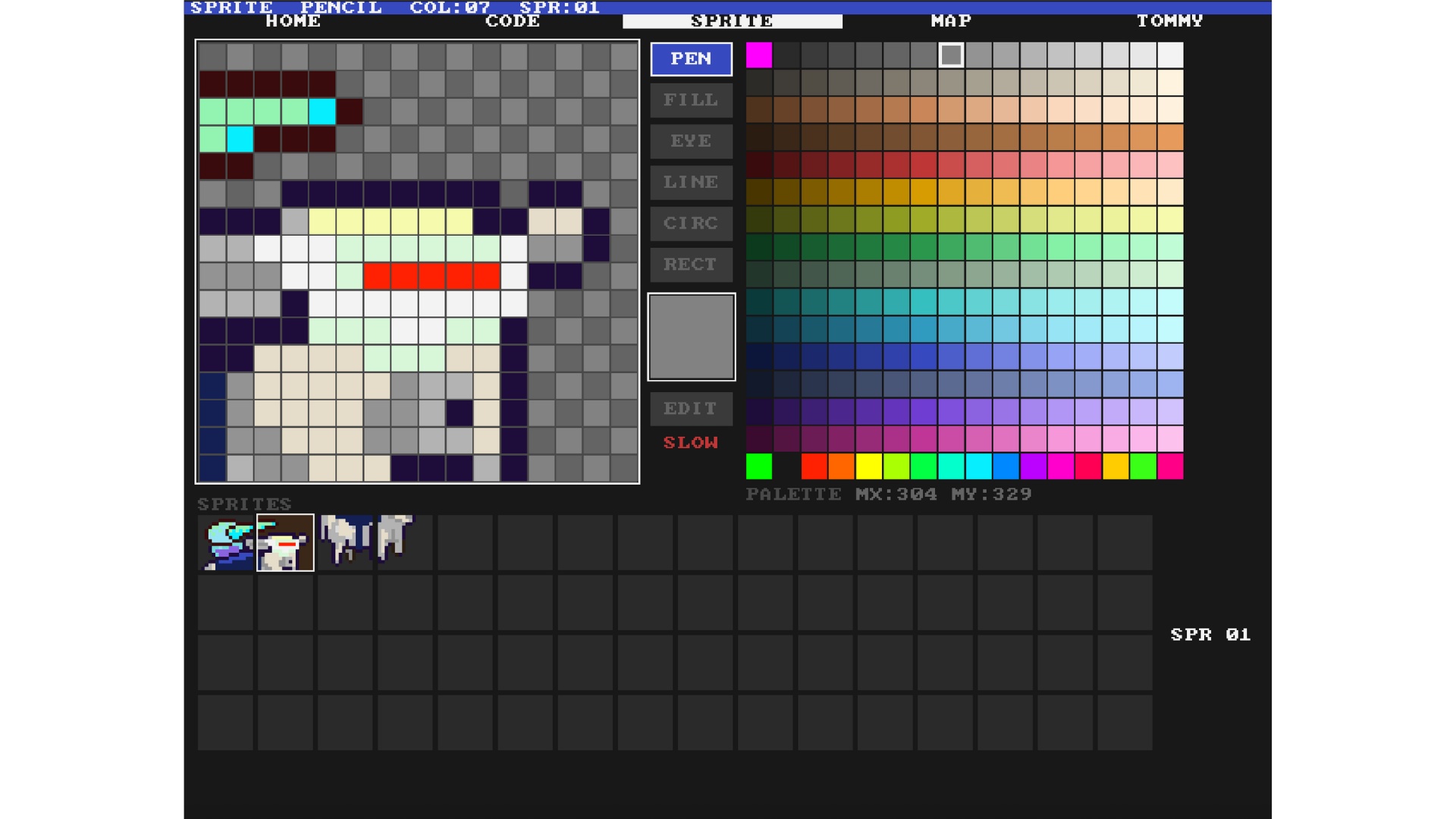
FRED-80 sprite editor
Sprite editor — 256-colour palette, 64-slot bank
HOME CODE SPRITE MAP TOMMY
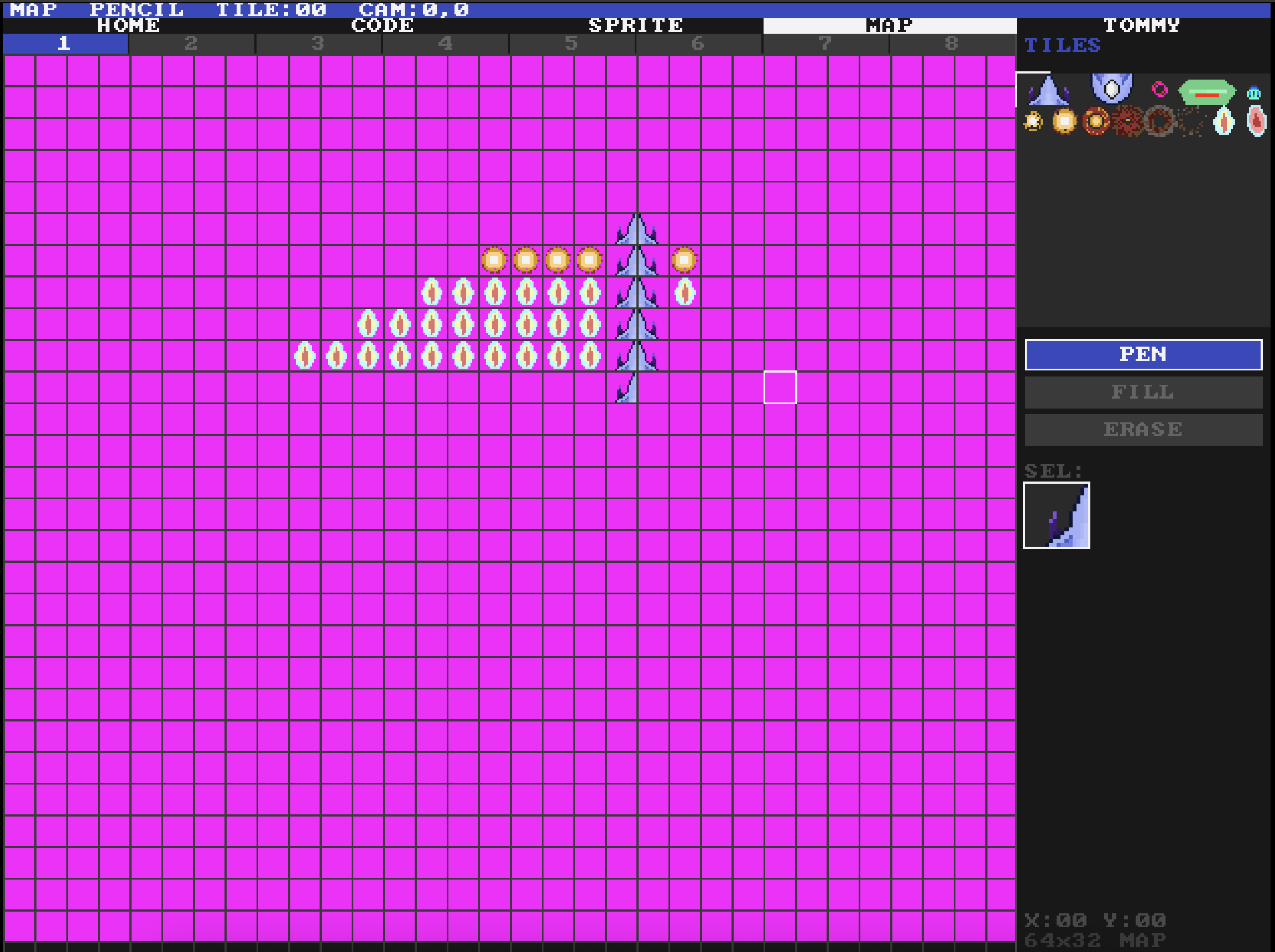
FRED-80 map editor
Tilemap editor — 8 map slots, 64×32 tiles each
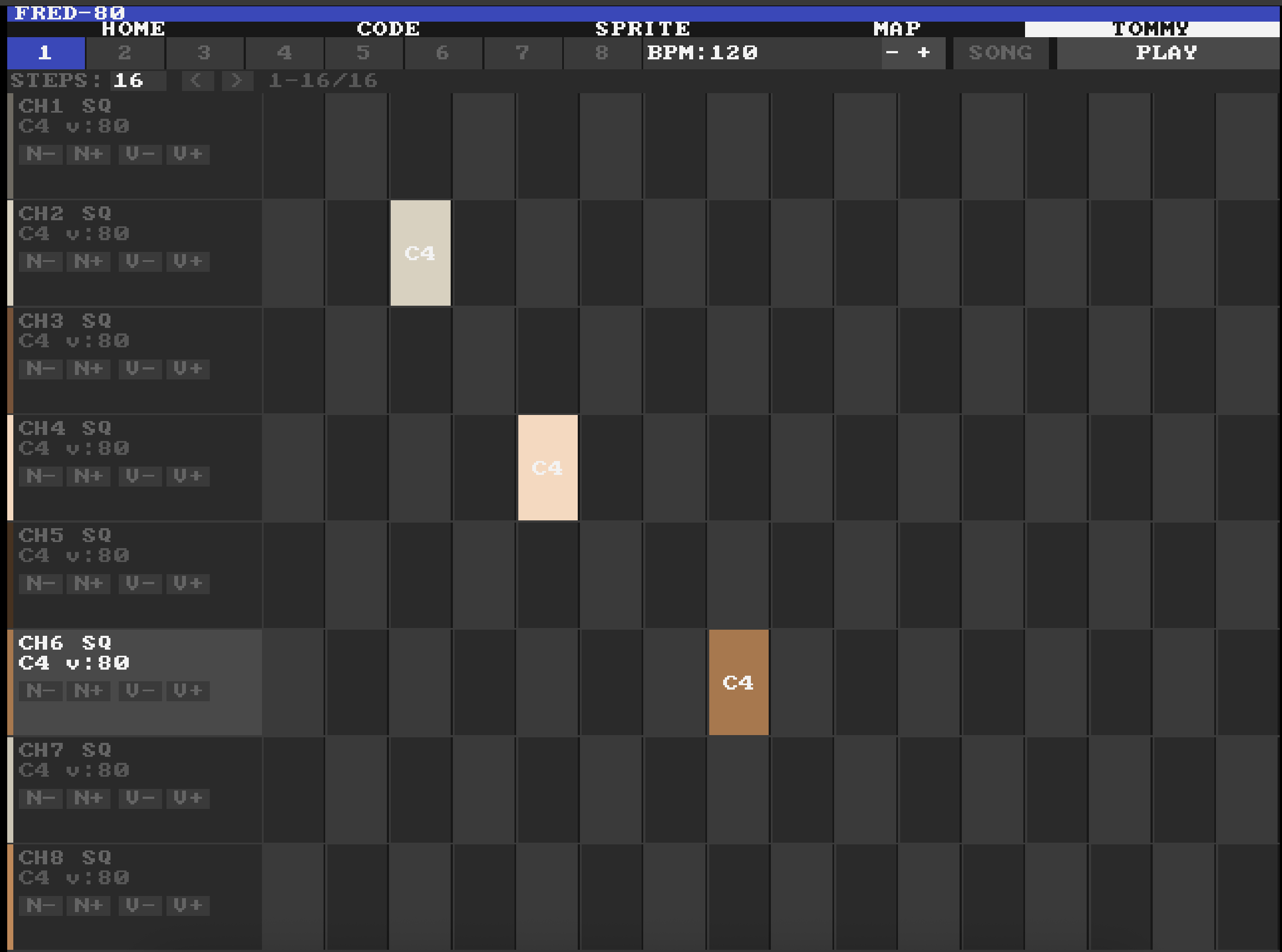
HOME CODE SPRITE MAP TOMMY
FRED-80 TOMMY sequencer
8-channel step sequencer — patterns, BPM, song order
Everything on the machine.

No cross-dev tools. No emulator. Edit, run, and ship directly on the A6000.

Sprite Editor

128-slot 16×16 sprite bank with per-sprite hitboxes, palette picker, and live preview. Draw on-machine.

Tilemap Editor

8 map slots, 64×32 tiles each. Parallax-ready with AMMX-accelerated transparent blits.

Audio

8 synthesis channels + 4 hardware DMA channels (zero CPU cost for PCM). TOMMY step sequencer with 8 tracks, patterns, and song ordering.

Lua 5.4

Full Lua — tables, closures, coroutines. 100+ API functions covering graphics, audio, physics, particles, tweens, and more.

AMMX Accelerated

Sprite blits and parallax scrolling use the Vampire's AMMX SIMD unit. 8 pixels per instruction.

Single Binary

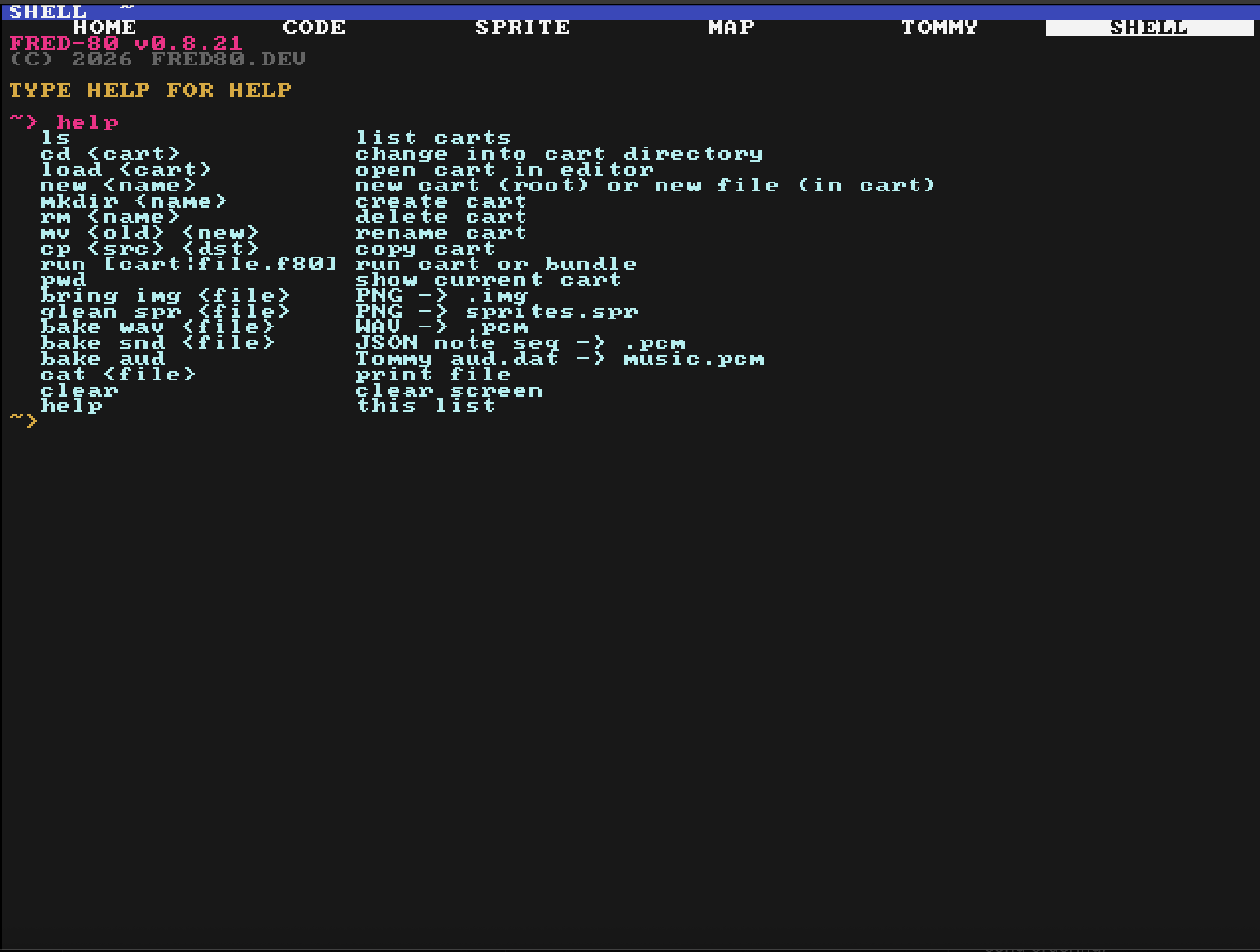
One fred-80.m68k file. Drop it anywhere, run from Shell. Carts are plain folders under fred80/.

Up in two minutes.

Copy the binary to your A6000, create a cart folder, start the editor.

01

Download and launch

personal:downloads> fred-80.m68k

Run it directly from wherever you downloaded it — no install needed.

02

Pick a cart

The HOME tab lists all carts in fred80/ next to the binary. Select one to load it, or create a new folder to start fresh.

03

Write your game in the CODE tab

function _init()
  x, y = 320, 240
end

function _update()
  if btn(0) then x = x - 2 end
  if btn(1) then x = x + 2 end
  if btn(2) then y = y - 2 end
  if btn(3) then y = y + 2 end
end

function _draw()
  cls()
  spr(0, x, y)
end
04

Run it

Press F5 from the editor to launch the active cart. Press Esc to return to the editor.

Clean, minimal API.

100+ functions. Everything you need, nothing you don't.

Graphics

  • cls([col]) — clear screen
  • spr(n, x, y [,scale]) — draw sprite
  • map(slot, x, y) — draw tilemap
  • rect(x,y,w,h [,col]) — rect outline
  • rectfill(x,y,w,h [,col]) — filled rect
  • line(x0,y0,x1,y1 [,col]) — line
  • pset(x, y [,col]) — plot pixel
  • pal(i, r, g, b) — set palette entry
  • print(str, x, y [,col]) — draw text

Input

  • btn(b [,p]) — button held
  • btnp(b [,p]) — button pressed
  • mouse() — x, y, buttons
  • key(k) — keyboard held
  • keyp(k) — keyboard pressed

Audio

  • sfx(n [,ch]) — play sound
  • music(n) — start song
  • vol(ch, v) — set channel volume

Math & Util

  • rnd(n) — random 0..n-1
  • mid(a,b,c) — median of three
  • flr(n) — floor
  • time() — time in seconds
  • stat(n) — engine stats (fps, mem…)
  • dset(i, val) — persist number to slot 0–63
  • dget(i) — read persisted slot

FRED-80

v0.8.16 BETA · Apollo A6000 / Vampire

Requires an Amiga with Vampire V4 Standalone (A6000) or compatible Apollo accelerator. 68080 CPU, SAGA chipset, AmiKit or AmigaOS 3.2+.